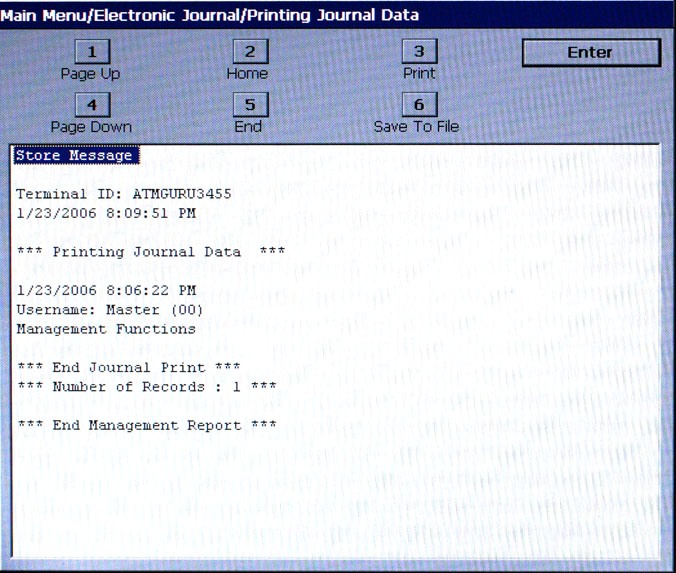
The report is displayed
in a management report dialog that can be printed to the receipt printer
to an external memory device. The DISPLAY
LAST X option saves Journal files in a text (.txt) format that
can be viewed by a text editor.
There is not
an option (prompt) to mark unaudited records that are displayed, printed,
or saved as audited using this command.