DISPLAY
LAST X can be used to display, print, or save all electronic
journal records before or after they have been marked as audited.
Unaudited records that are printed out or saved using this command
will not be marked as audited.
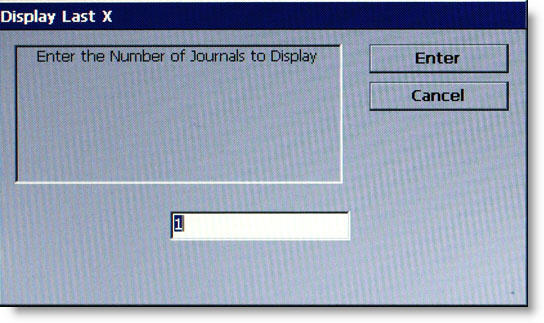
The operator will be prompted
to enter the number of journal records to be displayed (starting with
the
most recent). As an example,
if an operator needs to see a transaction that happened about 10 records
earlier, entering 13 as the
prompt will cause the last 13 records to be displayed. The displayed
list should include the record in question.
NOTE:
Entering a number greater than the maximum number of records
that can be stored in the journal will cause all records to
be printed.