NOTE: This function is only available with Master level password access to Management Functions.
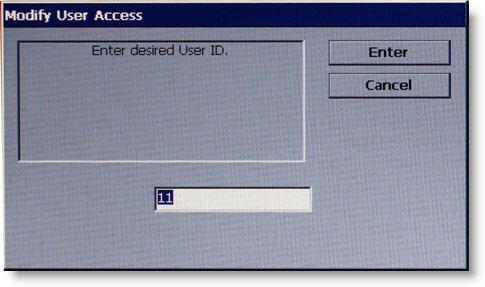
Enter 2-digit User ID to proceed.
Description
MODIFY USER ACCESS allows the Master user to select which option(s) in Management functions will be accessible by the user.
To modify user access privileges:
1 Enter the 2-digit ID for the specified user.
2 Press ENTER.
A dialog box appears showing a list of Management Functions that can be accessed to the user.
After entering ID and pressing ENTER,
Password Access Selections displays.
Return to Password Maintenance
Return to Main Menu