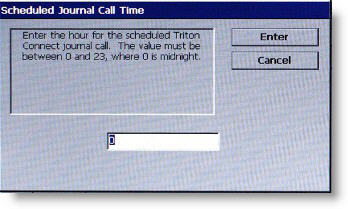
Follow instructions on the screen.
Description
When enabled, press 0 to access Scheduled Journal Call Time.
Enter the hour (between 0 and 23, where 0 represents midnight) in the data entry dialog box.
Press ENTER when completed.
Return to Triton Connect (Dial Up)
Return to Triton Connect (TCP/IP)
Return to More Options
Return to Terminal Configuration
Return to Main Menu