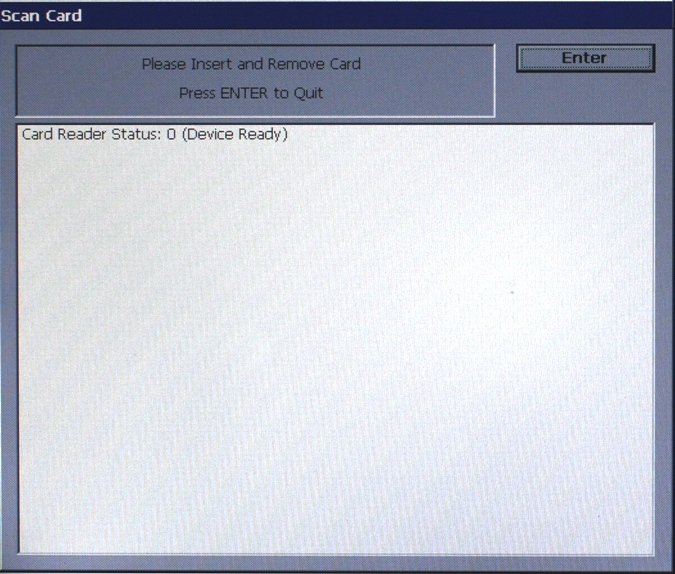
The Scan Card function reports
the number of tracks the card reader is able to scan. It prompts you
to insert and remove a card. Upon removing the card, a Management Report dialog is displayed. If the
card can be read properly, the information from the tracks on the
card will be displayed. This report can be printed to the receipt
printer or saved to an external memory device.
If the card is damaged or
not a standard format, an error message will be displayed. If this
happens, the card cannot be used for transactions on the terminal.