
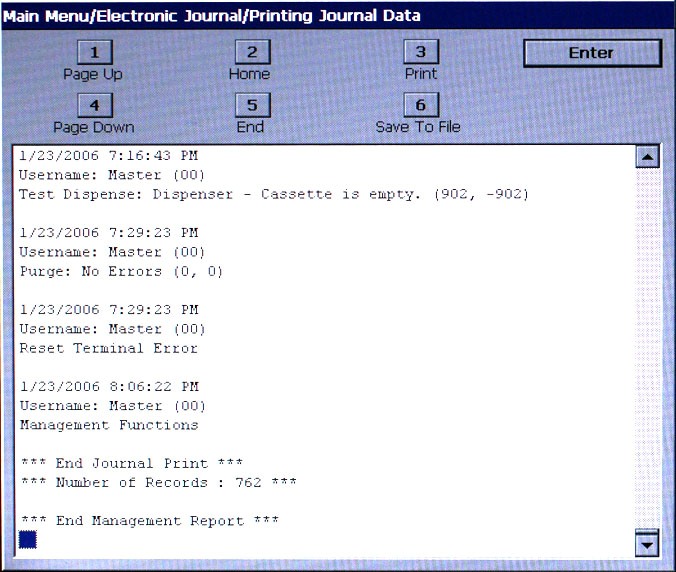
Make selection to review, print, or save to file.
The DISPLAY UNAUDITED RECORDS function is used to display a summary of all unaudited journal entries collected since the last time the journal was printed. This information should be maintained in case of an inquiry by a customer, and can also be useful in certain troubleshooting situations.
The report is displayed in a management report dialog that can be printed to the receipt printer or saved to an external memory device. If a USB drive is used, it must be installed in a USB port before this option is selected. Display Unaudited Records saves journal files in a text (.txt) format. They can be viewed by a text editor.
If CANCEL or ENTER is pressed after the report is displayed, printed, or saved, a prompt appears.
If ENTER is pressed as a response to the prompt, all unaudited records will be marked as audited. The only way to display them again is by using the DISPLAY SELECTED RECORDS (*Audited* or *All*) or DISPLAY LAST X functions.
If CANCEL is pressed as a response to the prompt, the prompt will disappear and all unaudited records will remain unaudited.