
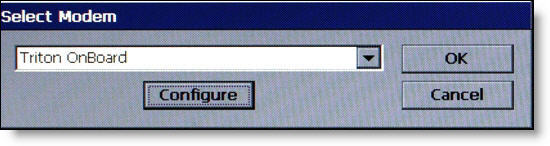
The installed modem is the default modem. Press ENTER to continue to configure, CANCEL to quit.
(On the example above, click OK or Configure to display Device Properties. Click Cancel to return to Modem/Ethernet.)
When the ENTER key is pressed,
Device Properties is displayed.