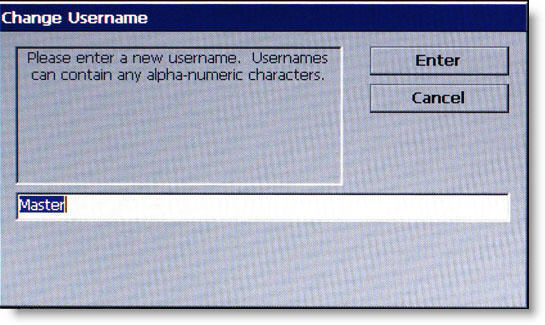
Follow instructions on the screen.
Description
The CHANGE USER NAME function allows the currently logged in user to change their user name.
To change the user name:
1 When prompted, enter a new user name. The new name may consist of up to a maximum of 40 alphanumeric characters.
NOTE: The virtual keyboard is exposed by pressing F8.
2 Press ENTER when completed.
Return to Password Maintenance
Return to Main Menu