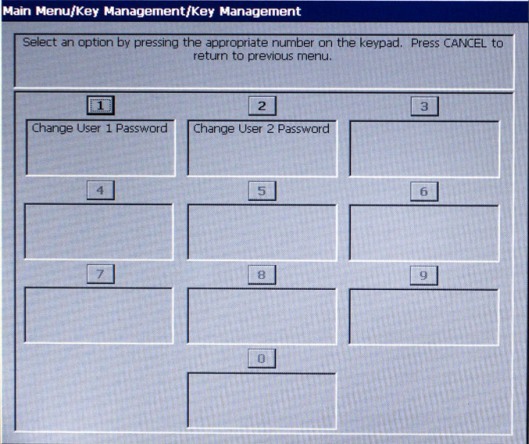
Before being viewing the following screen, you are prompted to enter passwords of User 1 and User 2.
Follow instructions on the screen.
Description
When 1 or 2 is selected for change, perform the following steps:
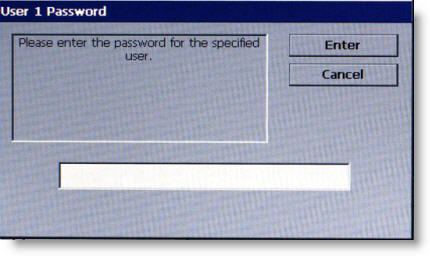
1 Enter the specified user's current password. View
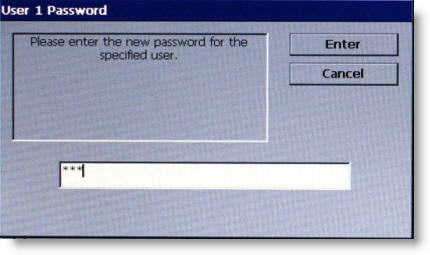
2 Enter the new password for the specified user. View
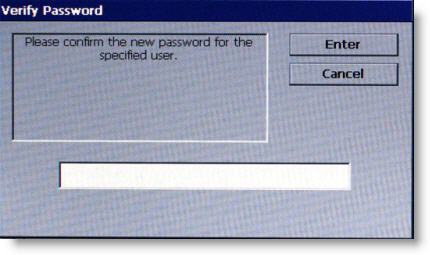
3 Confirm the new password by entering it again. View
Once the change is complete for the specified user, this screen reappears to make changes to the other user as necessary.
Return to Key Management
Return to Main Menu